close
Software Fixes

Repair Windows 7 Startup Problem by Typing Chkdsk

Some common start up problem is cause by damage file within the operating system.

You can use a command to recover the damage file of your hard drive, to use this kind of repair.

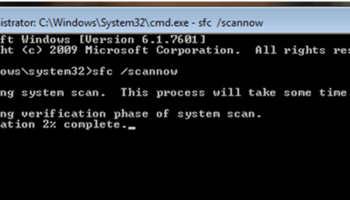
Insert your Windows 7 Disc and type in the command prompt

chkdsk C: /F /R.

It take a little while to finish the scanning and repairing.

Watch The Video tutorial of Chkdsk troubleshooting

Tags : Startup RepairWindows 7
Joemar Bagalanon

The author Joemar Bagalanon

I’m a tech specialist with a background in Computer Repair, Multimedia Arts, and Computer Science. With experience owning an Internet café and working as an IT Technician for small and medium-sized businesses, I specialize in troubleshooting software and hardware issues. I’m here to share knowledge and keeping up with the latest technology trends to inspire others through my writing and advises.