close
Hardware Fixes

Removing of Ink Cartridges for Continuous Ink System (CIS)

This guide is for a new user of continuous ink system whom have trouble removing the ink cartridges.

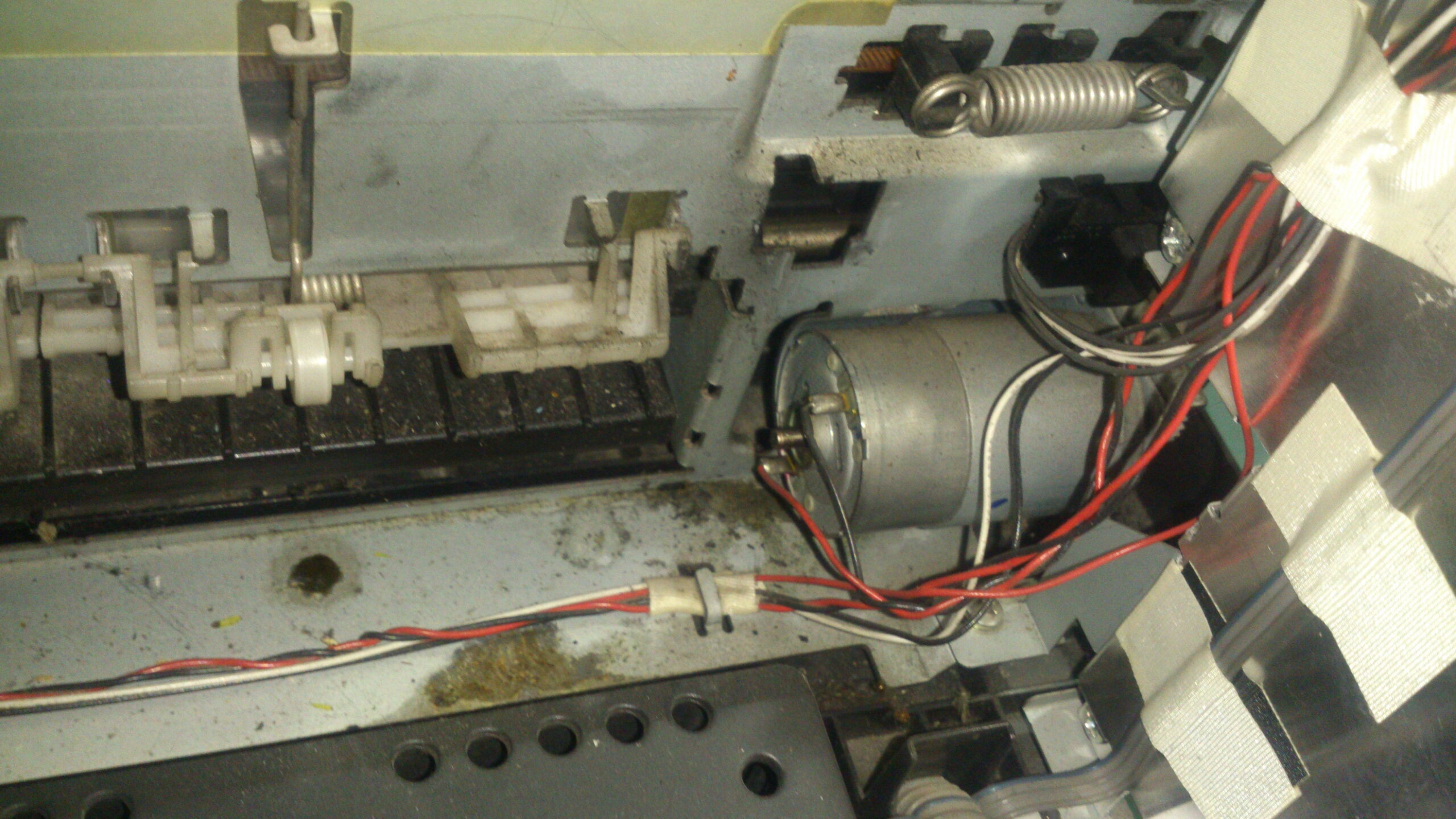
Guide on how to remove the Continuous ink system or ink tank system for Epson Stylus Photo T60, Epson P60, Epson R285, Epson  R270 printer model.

Note: Remove your continuous ink system cartridges when the printer turn off; avoid touching  sensitive parts such as ribbon cable.

Watch the Removal of 6 colors Epson Printer Video Tutorial

Tags : Epson Disassemble
PCINGREDIENT

The author PCINGREDIENT

Our blog offers step-by-step repair instructions for disassembling electronics, along with the latest updates on tech products and reviews. With our passion for technology and my expertise in problem-solving, I strive to provide valuable insights and practical solutions to help readers overcome their tech-related issues.