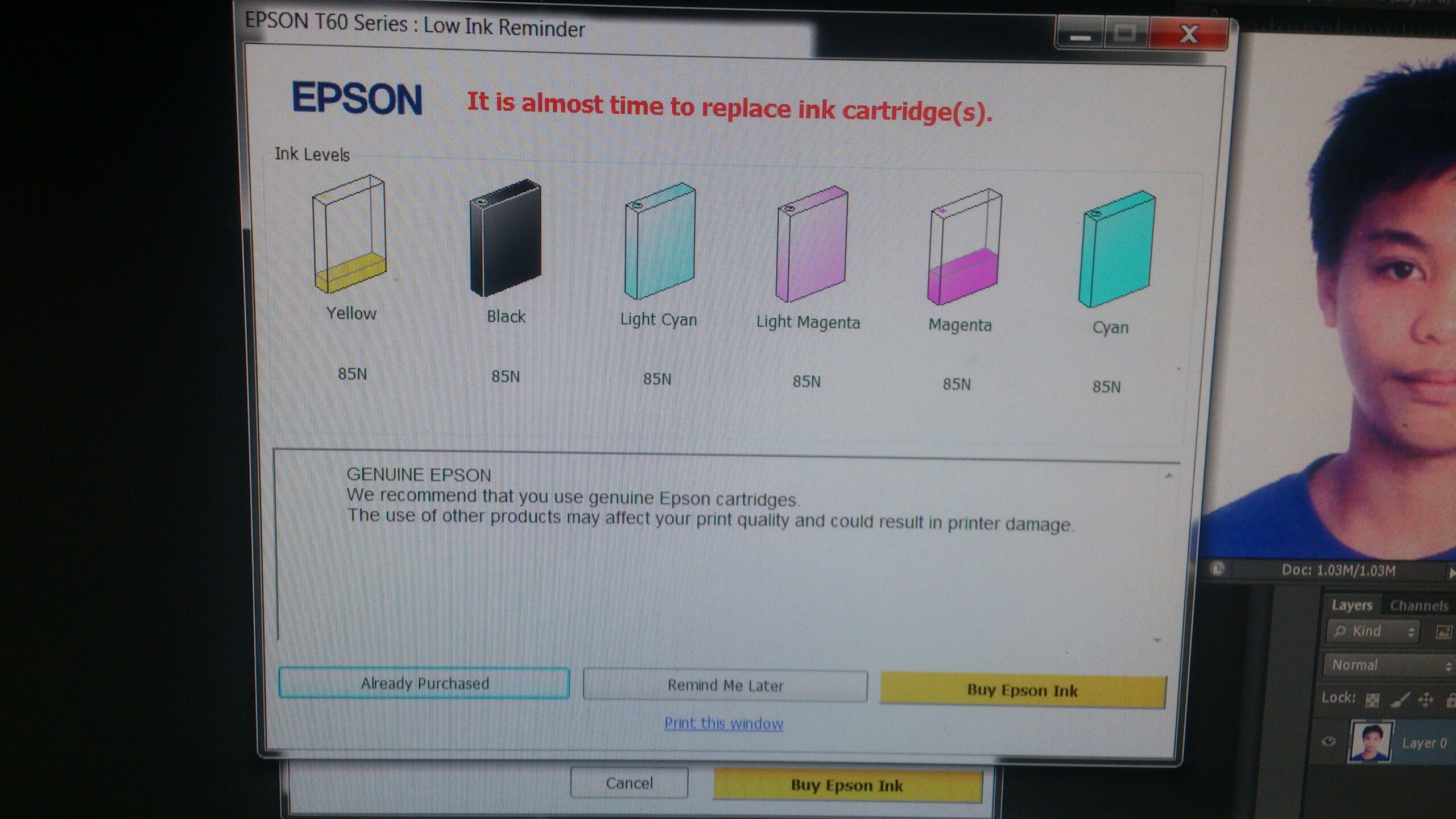
Epson Printer Head Problem?
Not using the Epson Inkjet printer for an extended a period can cause your printer head damage. Because the ink inside can cause the clog to printer nozzles and the printer head won’t print to its desired colors.
The most common repair of it is to remove a blockage from the problematic head nozzle. The tools have to use are 10 ml syringe, inkjet cleaning solution, tissue and a small hose.
The procedure in the video is applicable to any Epson Inkjet Printers model:
- Epson Stylus T60
- Epson Stylus P50
- Epson ME10
- Epson Me32
- Epson R230
- Epson L200 Series
- Epson L300 Series
- Epson L500 Series
- Epson L800
- Epson T13x
- Epson T13
Watch the Video of Epson Inkjet Printer Unclogging Steps