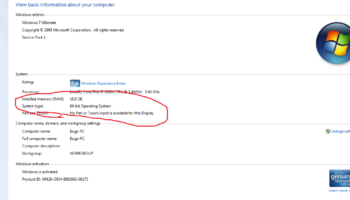
The files inside the flash drive is a combination of documents, pictures, mp3 songs and movie files with mp4 format. But one time when the user insert it to the computer, all the data inside the computer become garbage. The filename were missing and replace with one strange character but there’s no indication what type of file is it.
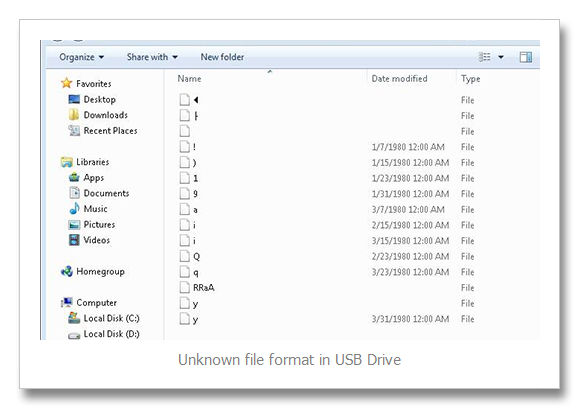
With the sample image above, the problem is all the data were corrupt. The files save int that flash unintentionally damage because of drive error.
This problem commonly appear on a low cost USB Flash drive, mostly it happen when the device is inserted or used on mp3 player, dvd player or in television.
To fix this problem just format the usb flash drive. If the error still occurs, replace with a new one.
Note: If you want to use your thumb drive to play music or movies in television or mp3 players. Don’t save your data on it. Used separate USB flash drive to avoid the above error.