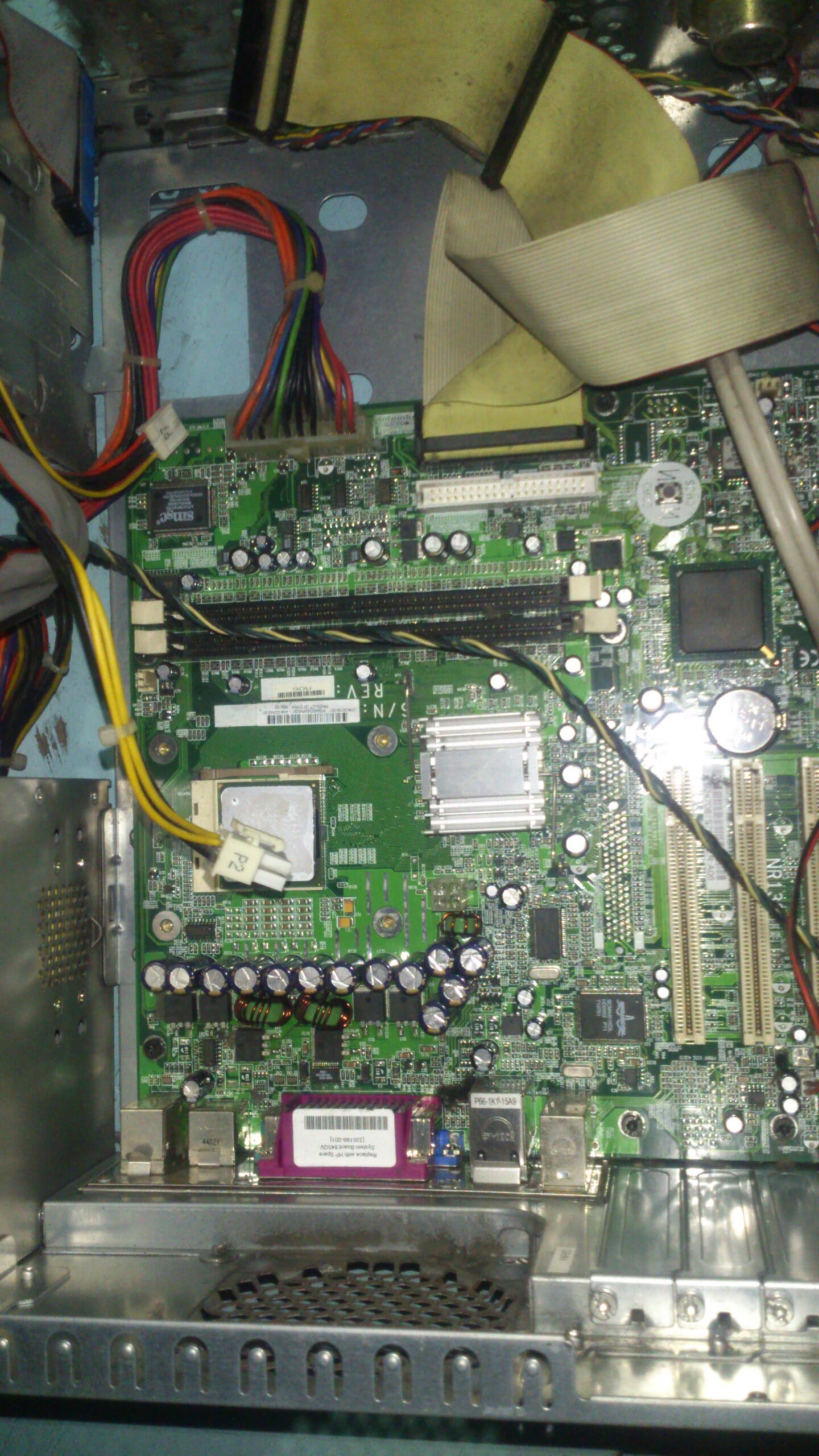
The motherboard burning problem occurs when the power cable was pulled while the computer is alive.
It also happened when the installation of 4 pin ATX +12 volt power loose contact and the system unit is shaking while playing or browsing the web .
It also happens when the connector of power supply is not totally in place, either defective power supply or motherboard.
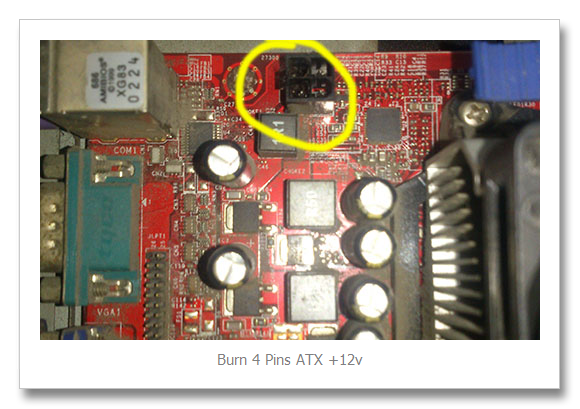
This problem is usually happened in AMD motherboard.
To avoid the problem here’s my advice:
- Place the System unit and keep away from the user
- Place the wires inside the system unit properly, used a tire wire and tie any existing cables away
- Be sure all connectors mostly power cable are properly installed and avoid loose connection.
- Clean PC every 3 months
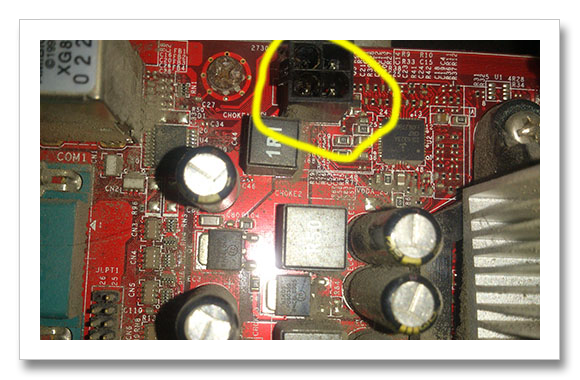
Is this problem can be fix?
The problem can be fix, you should is desolder the Four (4) pin slot of the motherboard, then replace it with a new one, be sure its in the right location when placing back the 4 pin connector. If you’re not experience in soldering, let the electronic technician finish the job.
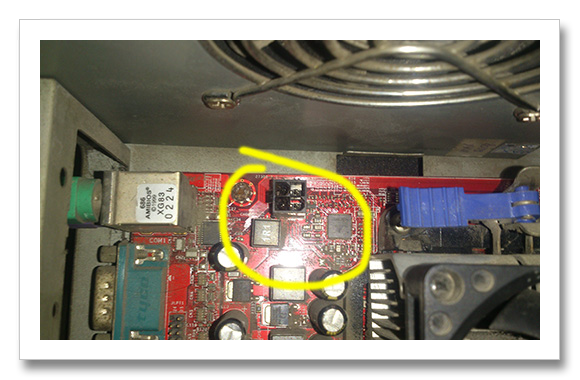
After the problem is fix, you should change the power supply since the 4 pin +12V Connector is already burned. If you don’t want to change the power supply, you may cut it the burn connector and replace with a new one.
Available Resources for power supply: http://www.playtool.com/pages/psuconnectors/connectors.html#4into8