If you have a multiple computer with the same specifications. Don’t waste time installing program one by one, it takes you so much time and energy to finish it.
All you have to do is just complete the installation in one computer and copy it to multiple drive. This is what we call Disk Cloning.
Steps to clone the hard disk
- attached second hard disk to the computer
- attached cdrom or dvdrom to the computer
- turn on the computer
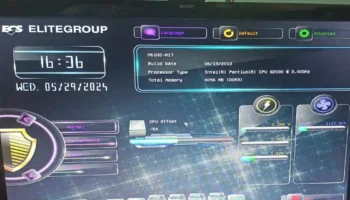
- while initializing start-up press Delete or F2 key on the keyboard to Enter the Bios Setup
- go to advance features setup
- set the boot order to first boot device = CDROM
- press F10 to save the bios configuration and exit the setup
- at the menu selection
- select start bootCD
- select backup tools
- select norton ghost
- ghost (normal)
The message appear do you want to delete swap file, select no
- Click local – disk – to disk
- Select the drive to clone
- Select destination drive
- Read and accept all warnings
- then proceed cloning
 After cloning the disk reset, the computer and take out the clone hard disk. You’re now ready to use it to another computer.
Note: don’t clone multiple hard disk when using it to a different motherboard. Problem may arise!