close
Hardware Fixes

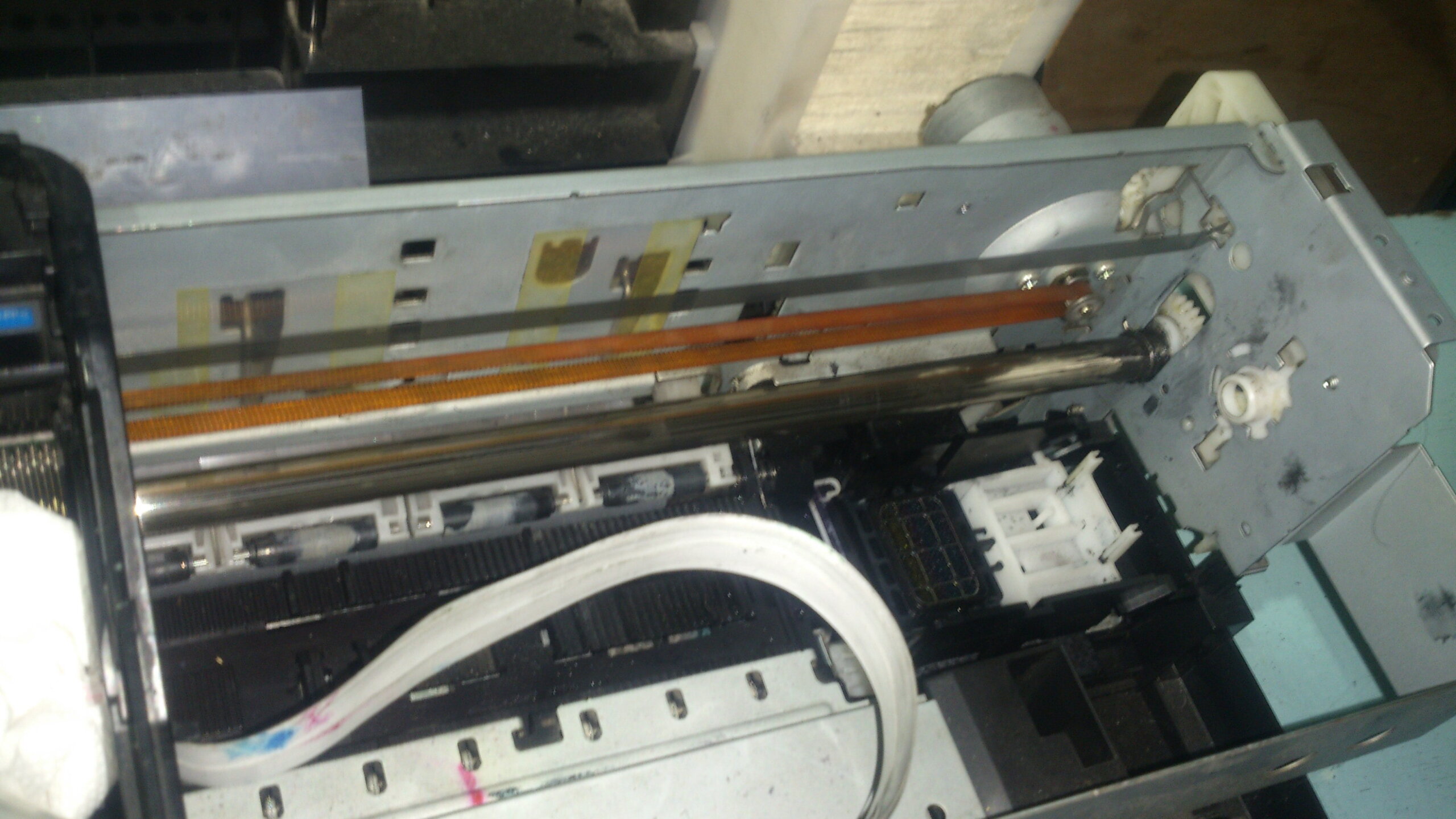
Epson Stylus Photo Six Colors Printer Disassemble Guide

The Following Disassembling Guide is for the Following 6 Colors Epson Stylus Photo Printer

  • Epson Stylus Photo T60
  • Epson Stylus Photo T50
  • Epson Stylus Photo R290
  • Epson Stylus Photo R285
  • Epson Stylus Photo P50

The disassembling  includes the  removing of  Printer Cover, Paper Feeder, Printer head Belt.

Watch the video tutorial Part 1


Disassembling Part 2

Its all about removing the Printer board, Printer Head, and Belt Area

Tags : Epson Disassemble
PCINGREDIENT

The author PCINGREDIENT

Our blog offers step-by-step repair instructions for disassembling electronics, along with the latest updates on tech products and reviews. With our passion for technology and my expertise in problem-solving, I strive to provide valuable insights and practical solutions to help readers overcome their tech-related issues.