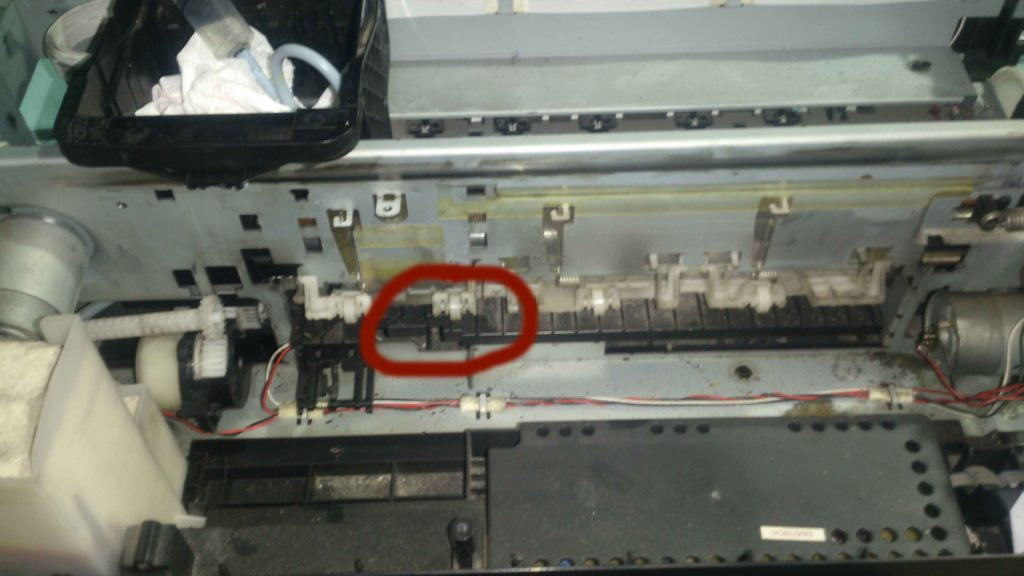
The Cause of Epson Stylus Photo Printer Error
The problem of this printer is feeding maybe 5 to 10 pages per one print. The problem starts when someone prints to this printer using a very thick paper that the printer can’t handle.
The problem can also be apply to the Following Epson Printer Model:
- Epson Stylus Photo T60
- Epson Stylus Photo T50
- Epson Stylus Photo R290
- Epson Stylus Photo R285
- Epson Stylus Photo P50
Cause:
- The metal inside the paper feeder rubber (the small one is broken)
Solution:
- Find a metal and imitate the damage metal or just replace it
- Replace the whole paper feeder
- You can use the paper feeder from Epson R210, R220, R230, R310
The Broken Spring of Epson Stylus Photo Printer

The Paper Feeder Roller
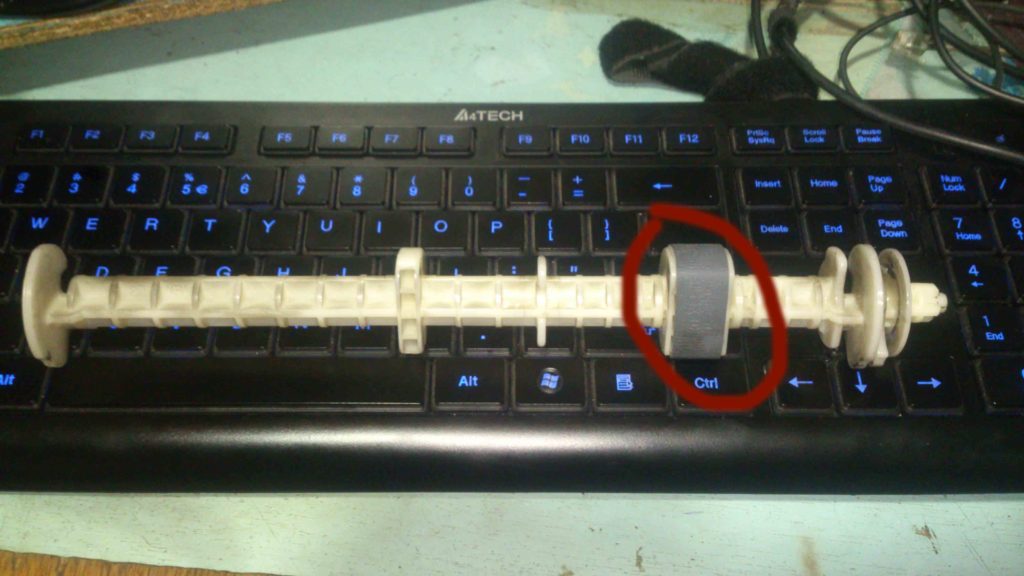
The Damage Spring