close
Software Fixes

Restore Start Menu in Windows 8 Computer

Download this Windows 8 program to restore the  start menu and follow the guide.Then Follow the instructions below

Download and install the program

Pokki

Click Continue

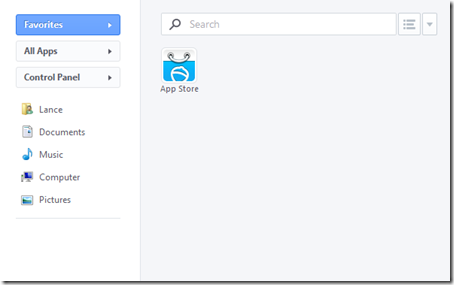
  1. StartMenu
startbutton

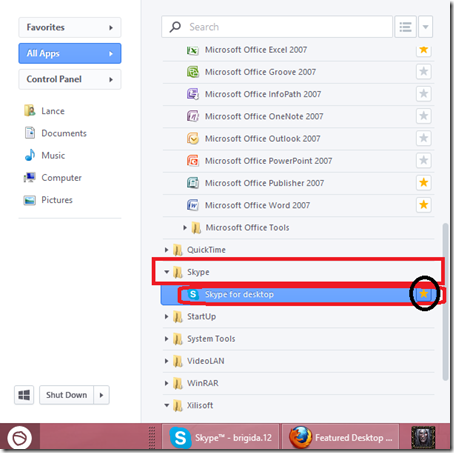
Click the Start Button to pin the program

menustart

Scroll Down and click the arrow to browse the hidden program, and click the Start button

windows8

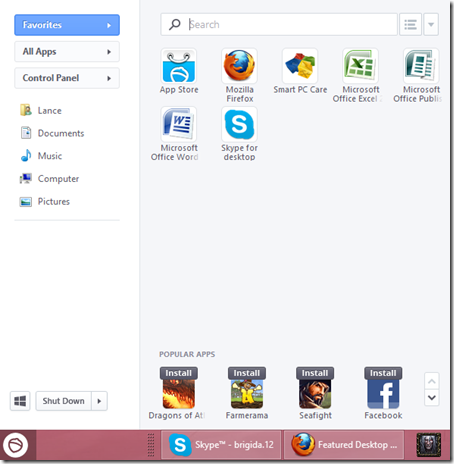
This is the Final Start Menu Item

Done! Practice and master it to your Windows 8 Computer and your missing start menu appear while retaining the precious value of Windows 8 OS.

If you want to restore the original Windows 8 Interface, just uninstall the program located in Program/Features at Control Panel.

Tags : How toWindows 8
Joemar Bagalanon

The author Joemar Bagalanon

I’m a tech specialist with a background in Computer Repair, Multimedia Arts, and Computer Science. With experience owning an Internet café and working as an IT Technician for small and medium-sized businesses, I specialize in troubleshooting software and hardware issues. I’m here to share knowledge and keeping up with the latest technology trends to inspire others through my writing and advises.