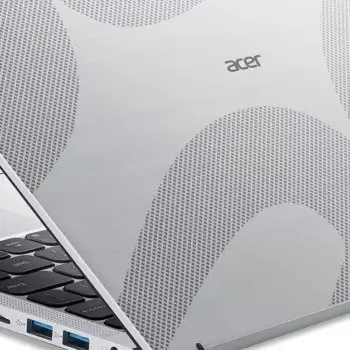
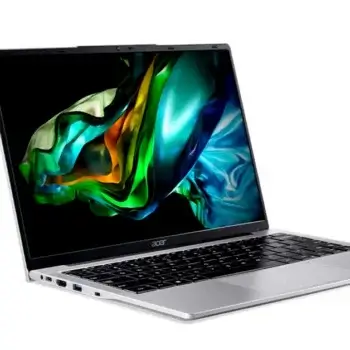
Looking for a reliable laptop that won’t break the bank? The Acer Aspire Lite AL14-51M-364B might just be what you need. Priced at around ₱31,000, this laptop is designed for students, remote workers, and casual
If you’re struggling to run certain programs on your Windows 7 computer, you may be facing software compatibility issues. Older programs or those designed for different versions of Windows might not work as expected, leading
Looking for a budget-friendly laptop that delivers solid performance for students, home users, or office workers? The Acer AL14-31P-35XW could be exactly what you're after. Priced around Php 27,000, this laptop combines practicality with affordability.
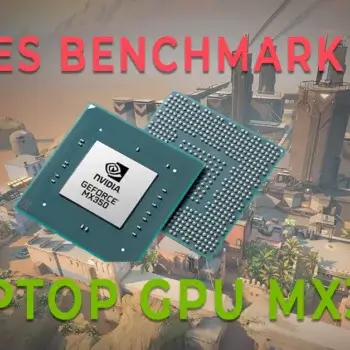
The NVIDIA GeForce MX350, based on the Pascal architecture, has been a popular choice for affordable laptops since its release. Despite being an entry-level GPU, it offers a decent balance between performance and power efficiency,
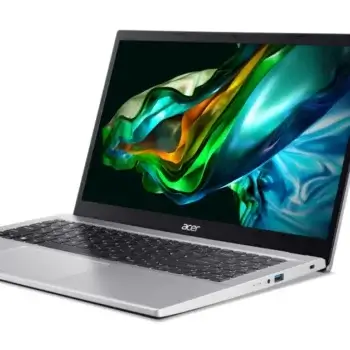
The Acer Aspire 3 A315 -44P-R9WX with Ryzen 7 processor is a great choice for students, professionals, and casual users in the Philippines who need a fast, reliable laptop. With its AMD Ryzen 7 5700U
The POCO X6 5G was officially launched in the Philippines on January 11, 2024, making it an early contender in the mid-range smartphone market for the year. This device offers impressive value, with a strong
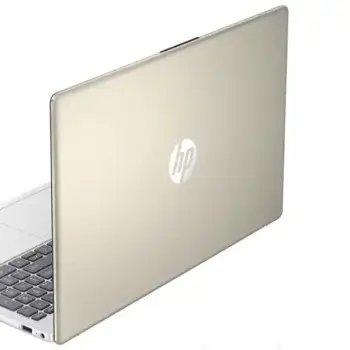
The HP 15-fc0120AU is an entry-level laptop designed for users seeking an affordable option for daily tasks like web browsing, document work, and media consumption. Powered by the AMD Ryzen 3 7320U processor, it offers
Apple recently launched the iPhone 16 series, which includes the iPhone 16, iPhone 16 Plus, iPhone 16 Pro, and iPhone 16 Pro Max. Pre-orders in the Philippines start on September 13, 2024, with availability on
Before updating your computer's BIOS or UEFI firmware, it is highly recommended to backup the original firmware in case something goes wrong during the update process. A failed BIOS or UEFI
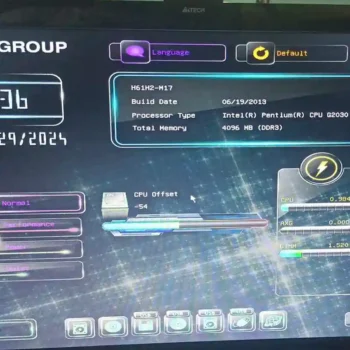
If your computer is stuck in BIOS and won’t boot into Windows, it’s likely due to a hard disk issue. A customer recently faced this exact problem—their computer was repeatedly booting to BIOS instead of
When your computer won’t power on, it often signals hardware issues that require immediate attention. Troubleshooting a computer that won’t power on involves identifying and isolating the components responsible for the failure. Power-related problems can
I encountered sudden white screen issue with one of my monitors where the screen would unexpectedly turn completely white. This problem typically occurred when the HDMI-to-DVI cable was moved, even slightly. The monitor in question
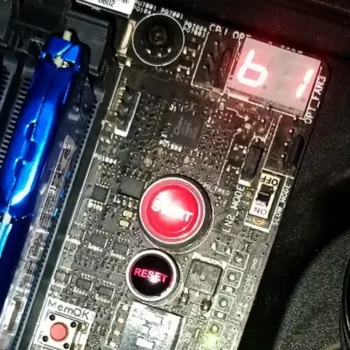
Modern motherboards are equipped with various built-in diagnostic tools, including one of the most powerful aids for troubleshooting, the LED error indicator system. These LED lights provide immediate feedback on your computer's hardware status, helping
Learn the key differences between 8-pins ATX Connector and 6 to 8 pins graphics card connectors. Ensure you're using the correct power connections in your PC build to avoid damage and maximize performance. When building
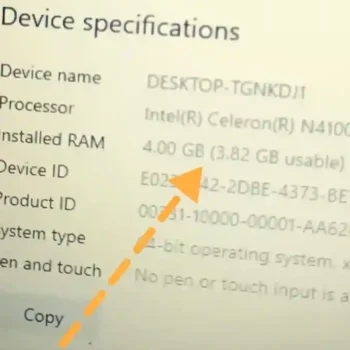
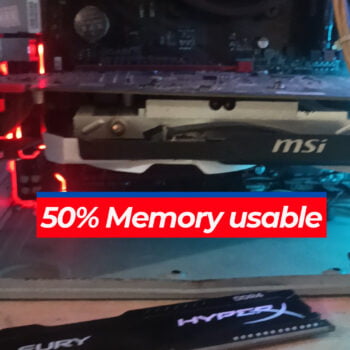
If you notice that only 50 percent of your installed RAM is usable, you may be dealing with a faulty memory module or another configuration issue. This situation can be particularly challenging, especially if you've