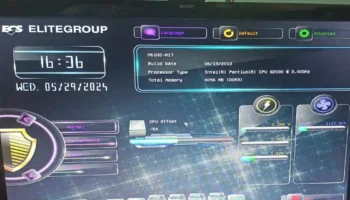
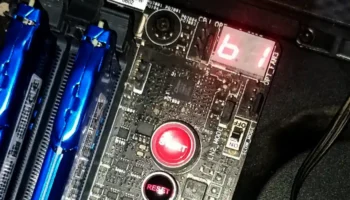
Changing the boot sequence can only be done through BIOS setup.
The questions is why do we change the boot order?
This is the common questions I’ve always heard. The answer is simple you can not run the installer bootable program without modifying it .
Such as:
- Windows Operating System that requires Optical Media to install
- Windows Operating System that requires USB Flash Drive to install
- Recovery Program that requires USB Thumb Drive or DVD Disc to boot
- Virus Removal Tools that require USB
- Live Operating System Came from DVD Disc
Watch the Video of Changing Boot Order Settings to USB
Watch the Video of Changing Boot Order Settings to CD/DVD