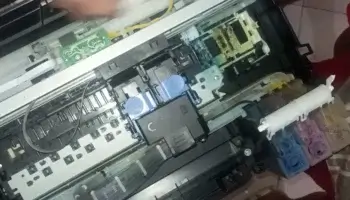
If you find out that some of the color of your printer is not printing correctly. Check first if the continuous ink is functioning. Most of the time the common problem why your printer not working because there is a leak along the hose.
Important thing to consider if you have an ink system:
- Replace your ink system cartridge if it’s more that a year
- Always check the hose for possible damage such as leaks
- Check ink system bottles and keep it clean by removing dust
- Be sure it is the right colors when refilling ink in the bottles
- If you mistakenly refill the wrong colors, don’t use the ink system, drain it
- Make sure the bottle of ink system is leveled to your printer (avoid placing higher or lower to the printer
- If you are a heavy user in printing, Check the cartridges every three months. Sometimes the cartridge does not have enough ink.
Remember: Doing the intense head cleaning of the printer can result printer head damage.
This video help you on how to fix your continuous ink system, and to determine that all cartridges is working well.
You may also try to clean the head nozzle if the problem of printout still exist: check this article