This is the Epson Stylus Photo Printer General Error Problem light indicator. The paper feed and ink indicator blink together. If you see this problem all you have to do is disassemble and clean it.
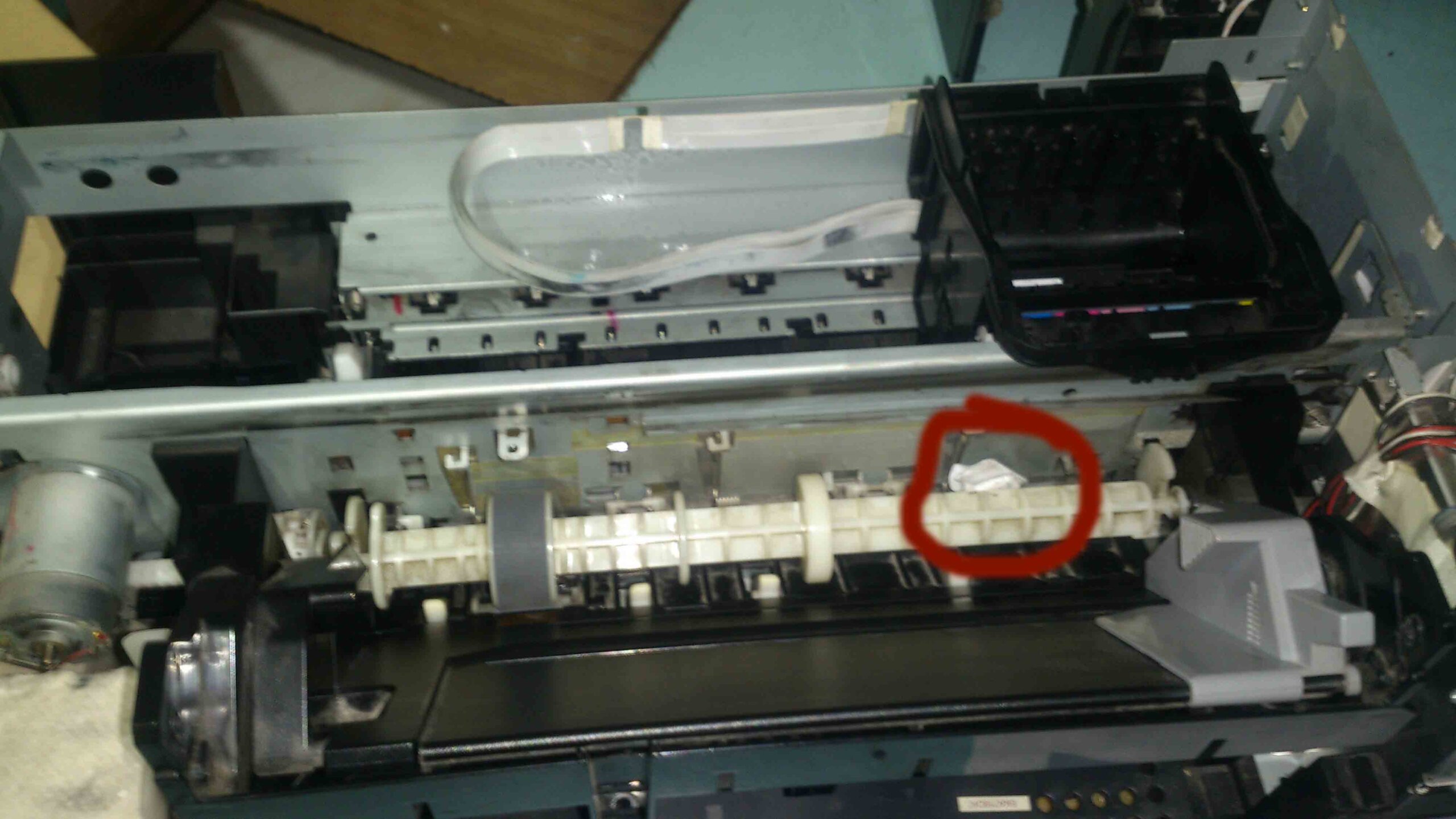
If this error Appear while printing. All you have to do is turn off the printer and turn on. If it’s still appears double check if their some obstacle blocking inside such as crumpled paper due to paper jam.
The problem is the same to the Following Epson Printer Model
- Epson Stylus Photo T60
- Epson Stylus Photo T50
- Epson Stylus Photo R290
- Epson Stylus Photo R285
- Epson Stylus Photo P50
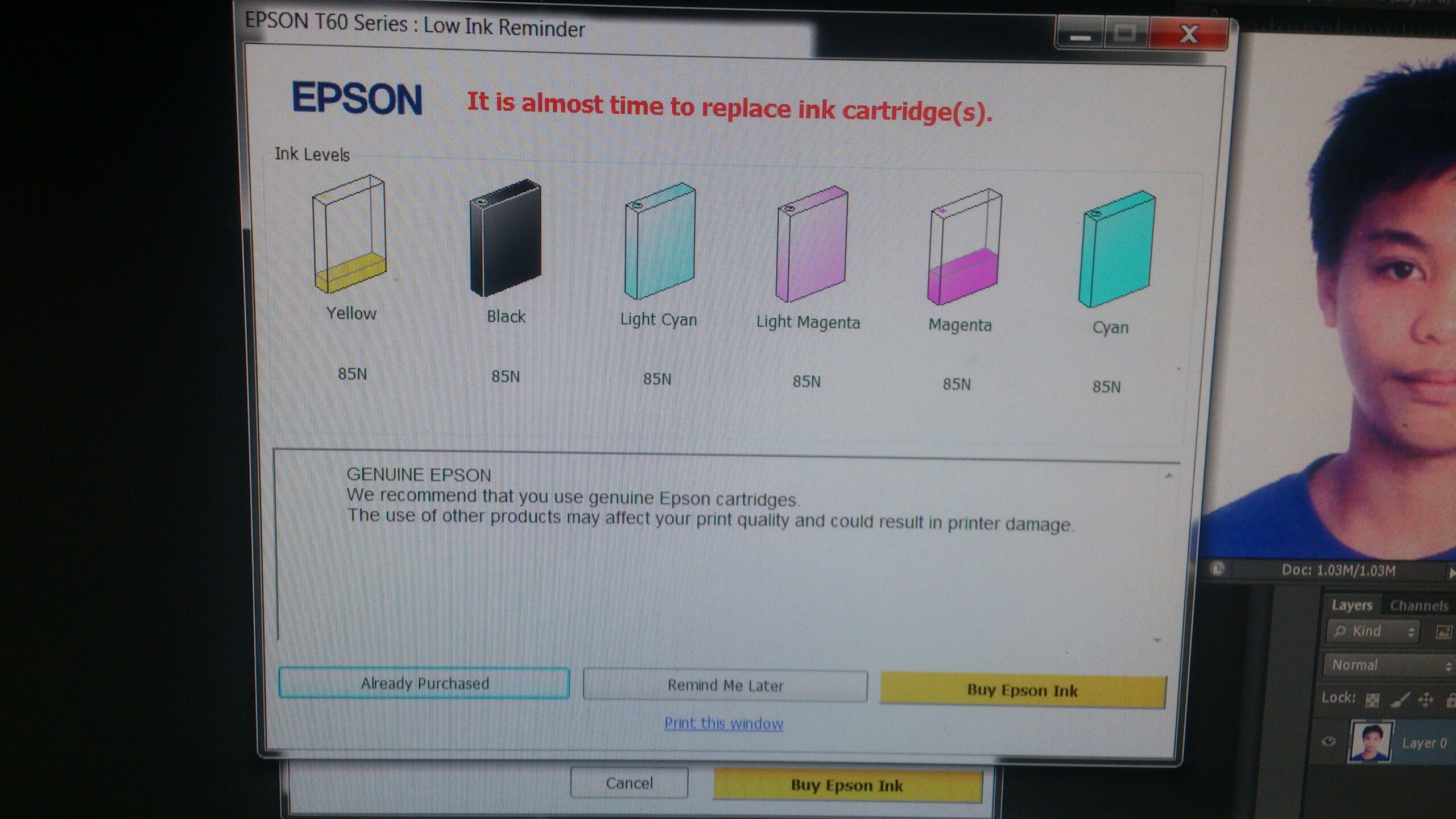
The inkjet printer indicator status lights (hardware) and status monitor (software)
The ink button and paper blinking simultaneous while the software status monitor indicate General Error