Windows 8 minimum system requirements
You need a 1 GHz or faster Processor (it also needs to support PAE or PAE-NX Physical Address Extension for new security features in the Windows 8 kernel), 1GB of RAM (or 2GB for 64-bit systems), 20GB of hard drive space and a DirectX 9 graphics card with WDDM driver.
The installation of Windows 8 is easy and the installation process won’t takes only up to 30 minutes depending on the hardware or devices installed.
Before following the procedure, ensure all your important data is properly backed up. Then make sure that the boot settings are DVD first (if installing in DVD) or USB disk (if you are installing in the USB
Drive) in the BIOS Setting
Content Summary
hide
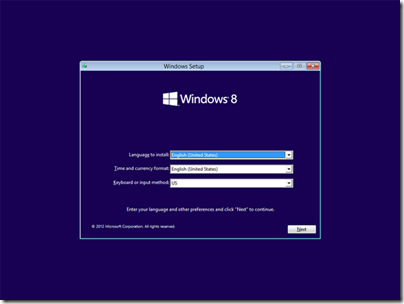
Select Language to Install, Click Next
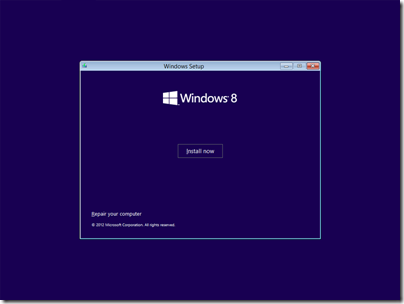
Click Install Now
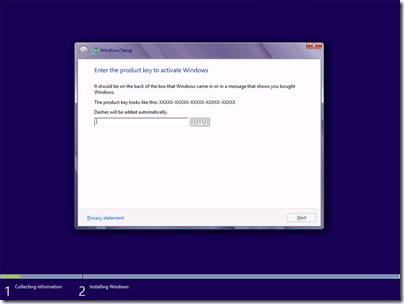
Enter the Serial Number located on your Windows 8 DVD Disk
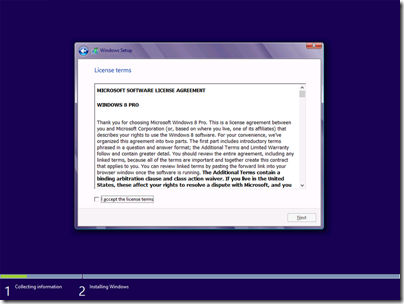
Check “I accept the agreement
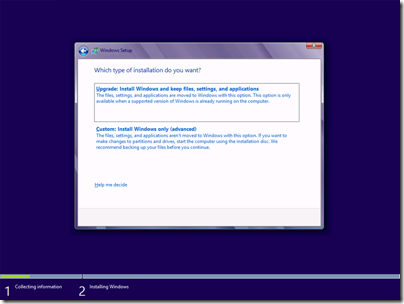
Select Upgrade if you wish to upgrade your existing Microsoft Windows Operating System
Select Custom if it is new operating system
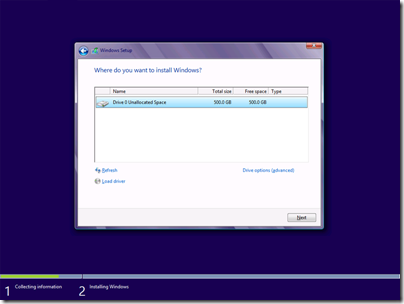
You can partition and select a hard drive partition destination in this area. Click next when configuration is done
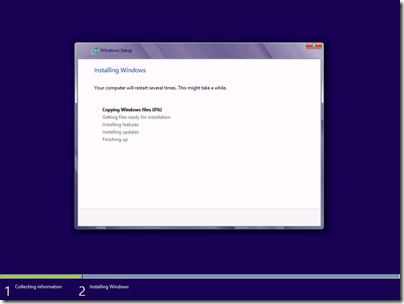
The windows installation is now starting, the system restarts automatically when done
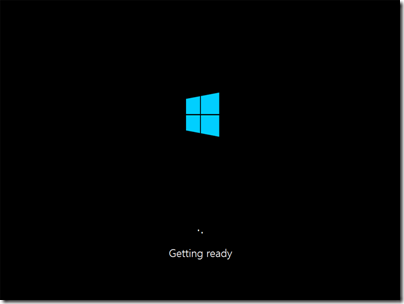
Reboot Process after system files installation
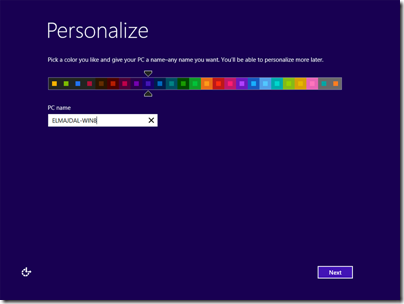
The Personalize settings appear, Enter Computer name and pick a desired color
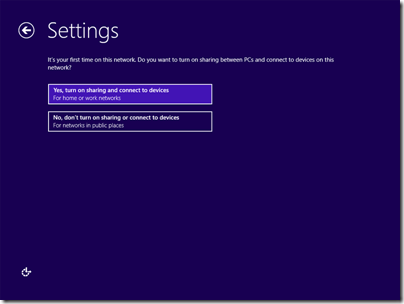
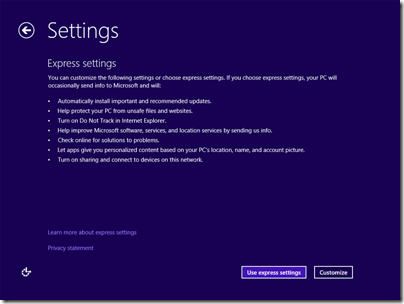
use express settings if you want to leave the default of Microsoft Windows Settings
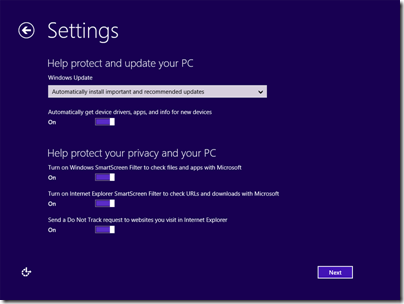
this is customize settings, you can manually disable/enable Microsoft settings
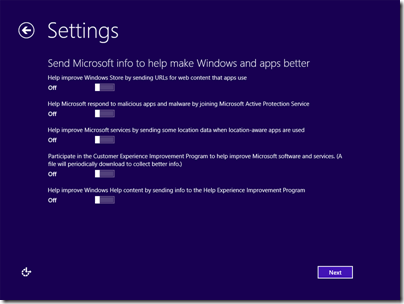
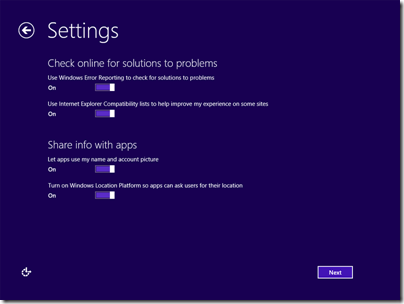
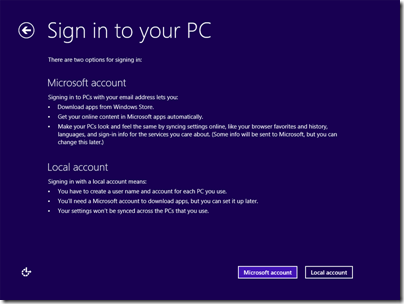
In this area you can use the following settings
Microsoft Account: Need an Internet Connection
Local Account: This is your personal account in your PC
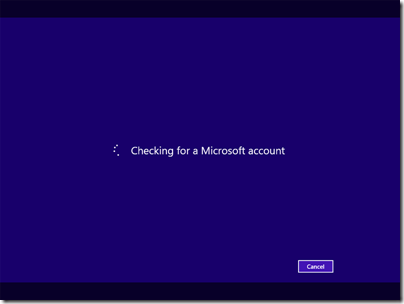
this is the sample account if you are using Microsoft Account
![11-SETTINGS-EXPRESS-OR-CUSTOMIZED-5-express jump-here_thumb[1]](https://lh3.ggpht.com/-HJK9okrMpxw/UVZUMj5Ki3I/AAAAAAAAA18/41Oob1XSzd8/11-SETTINGS-EXPRESS-OR-CUSTOMIZED-5-express%252520jump-here_thumb%25255B1%25255D%25255B3%25255D.png?imgmax=800 "11-SETTINGS-EXPRESS-OR-CUSTOMIZED-5-express jump-here_thumb[1]")
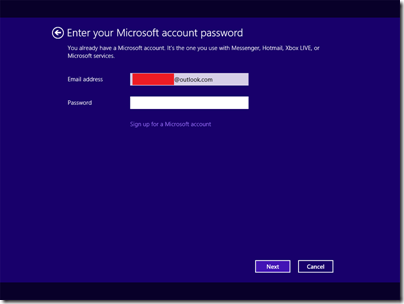
Enter your email and password
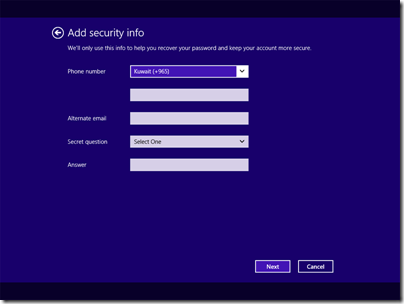
Provide additional security
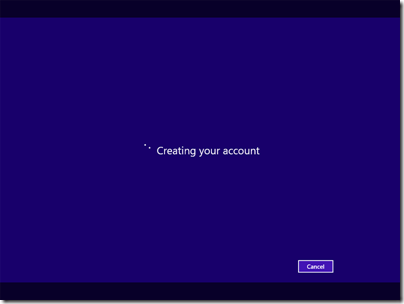
the creating account process

Select the program you want to use or just click the desktop
![19-windows-8-desktop_thumb[1]](https://lh3.ggpht.com/-rfxcLFcdRYc/UVZUXIG4wjI/AAAAAAAAA2k/7OdnzABXOHQ/19-windows-8-desktop_thumb%25255B1%25255D%25255B3%25255D.png?imgmax=800 "19-windows-8-desktop_thumb[1]")