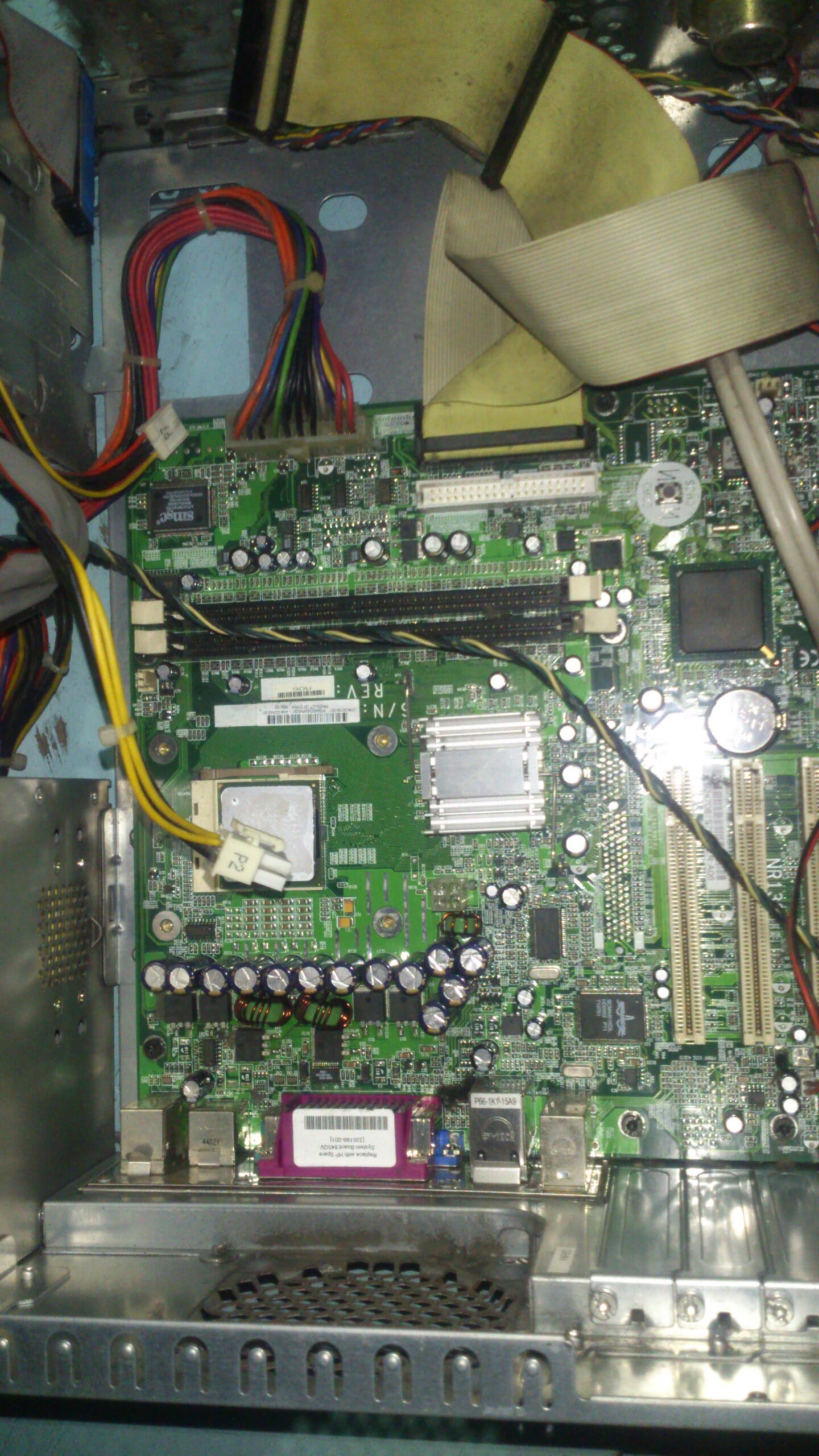
Troubleshooting computer random shutdown; suspect processor overheating
Touching the heat sink is my first step to check the problem. If the heat of processor Heat-sink is tolerable, the next step is checking the power supply. If both of them is okay, thats the time I’m going to check the other area of the computer.
If you’re not sure if your computer is at the same trouble. Just entering the bios setup to check the cpu temperature.
In my computer, I’ve got roughly 79 Degree Celsius. This temperature exceeds the limit the processor can handle.
The processor seems overheating Video
Thanks to this modern technology today, the motherboard helps the processor to protect from damages. When the motherboard detects the processor is over heating state, it automatically shut off the system to prevent further damage.