This is one of the most common problem comes in Windows Computer. Before Doing any procedure of repair such as backing up your data and reformatting or any other steps like using a third party software. You may try to use this procedure first before proceeding to another of troubleshooting
Insert the Windows 7 Installation or Repair disk into your drive and reboot the System. When Press any key to boot from disk just press any key in your keyboard to boot in your Windows 7 Installer DVD or USB.
Guide how to change boot order sequence to usb disk
- It will prompt you language selection option click Next
- You will see the option Repair your Computer
- Select Repair your computer option
- The selection of different type of repair appears
- Select Command Prompt
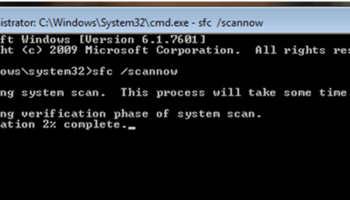
Then change the command prompt destination from X:> to C:> and type the following command
- bootrec /fixboot
- bootrec /fixmbr
- bootrec /RebuildBCD