If you have new hard disk drive and you want to install it with a new operating system.
My advice is partition your hard disk drive to separate system files and your personal data.
The problem is when you are working in a storage with no partition, there is a high probability that if the system is getting trouble, you cannot recover your data. Since your files are saved, where the operating system reside. Once the system become RAW, the only thing you can say is bye2x.
Most of the the time when the operating system failed to start cause by viruses, worm, mishandling of computer, you need to program the drive. If the storage has partition, you can easily recover the files.
how to partition disk drive during installation of Windows Operating System
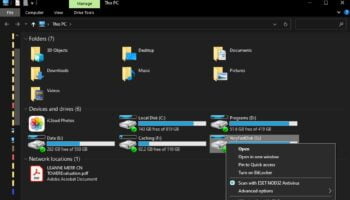
It is advisable to save your important files to Drive D: or E: (Drive C: where the windows operating system installed)